Soprano Connect for Salesforce
Send and receive SMS, WhatsApp, RCS and Viber directly from Salesforce with Soprano’s native Salesforce integration.

Send Messages Directly from Within Salesforce with Soprano Connect for Salesforce
Soprano Connect for Salesforce brings SMS, WhatsApp, RCS and Viber into the Salesforce environment your teams already use, allowing users to send messages from Contact, Lead and Campaign records and receive replies in the same place.
Teams can use reusable templates, bulk messaging and Salesforce Flows to automate routine communications, while delivery tracking keeps message activity and outcomes connected to Salesforce records. This reduces system switching and helps teams manage customer conversations with more context.
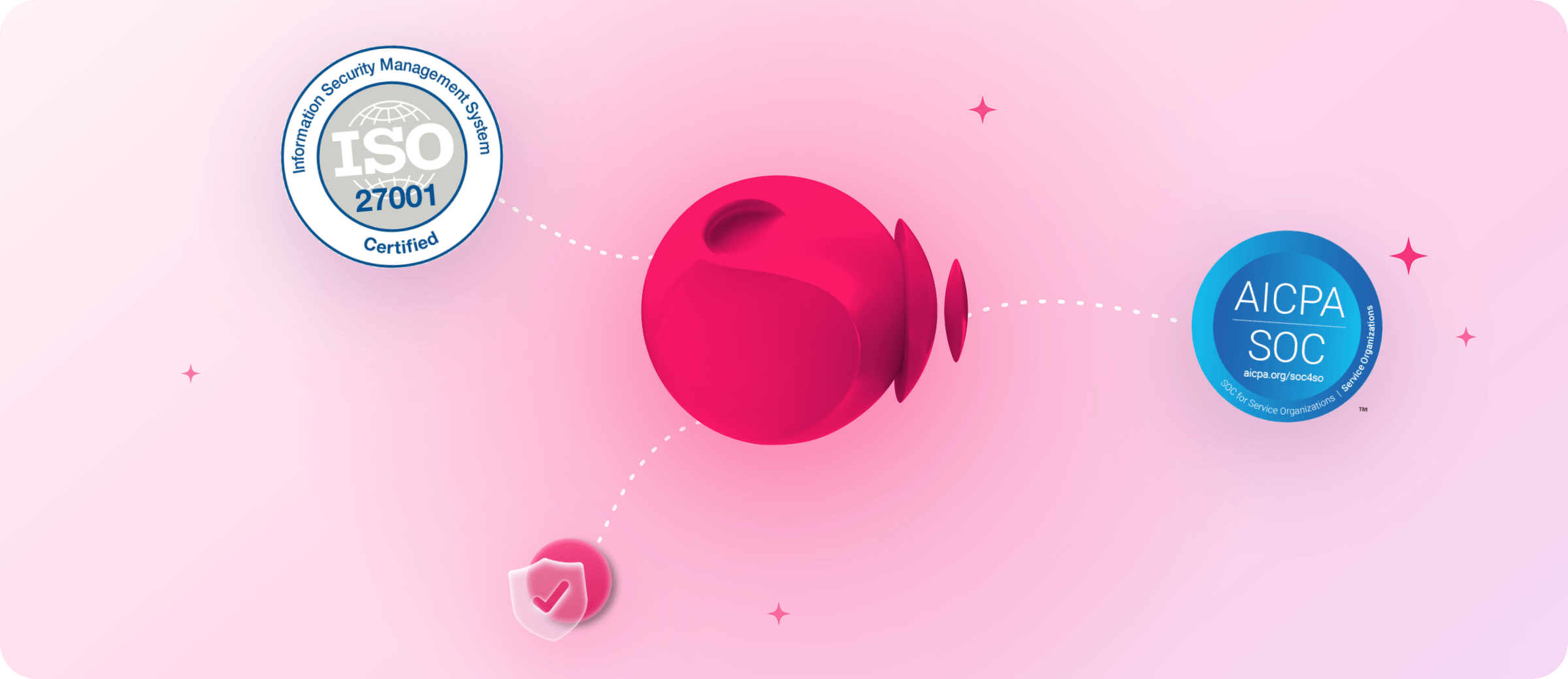
Backed by more than 30 years in enterprise communications, Soprano powers 32 billion interactions annually and is trusted by enterprise and government organisations worldwide, with ISO 27001 and SOC 2 Type II assurance.
Key Benefits of Soprano Connect for Salesforce:
- Keep Conversations Connected: Keep outbound messages, inbound replies and delivery status connected to Contact, Lead and Campaign records inside Salesforce.
- Message Without Switching: Send and receive customer messages within Salesforce, reducing the need to move between separate CRM and messaging platforms.
- Reach Customers Across Four Channels: Use SMS, WhatsApp, RCS and Viber through one integration to match different communication needs and preferences.
- Automate Routine Communications: Use Salesforce Flows to trigger messages when records are created, updated or reach a defined stage in the customer journey.
- Templates and Bulk Messaging: Create reusable personalised messages and send them to selected contacts, leads or campaign members at scale from Salesforce.
- Track Delivery in Salesforce: View message status and activity inside Salesforce, giving teams clearer visibility of what was sent, delivered or unsuccessful.
Use Cases
How Enterprise and Government Organisations Can Use Soprano Connect for Salesforce

Lead & Customer Follow-Ups
Send timely, personalised messages after enquiries, meetings or other interactions, keeping follow-up connected to the relevant Contact or Lead record.

Appointments & Service Updates
Deliver reminders, confirmations and important service updates using customer information already held in Salesforce, with replies kept in the same workflow.

Campaign & Event Messaging
Send messages to selected contacts, leads or campaign members in bulk, then track delivery and responses without leaving Salesforce.
Why Soprano for Salesforce Customer Messaging
Enterprise Messaging Experience
More than 30 years supporting business-critical communications for enterprise and government organisations worldwide.
Multi-Channel Messaging
Bring SMS, WhatsApp, RCS and Viber into Salesforce through one enterprise messaging provider.
Global Messaging Scale
Soprano powers 32 billion interactions annually through a global network of partners and mobile operators.
Security & Compliance
Backed by ISO 27001 and SOC 2 Type II assurance for enterprise communications.
How It Works
How Soprano Connect for Salesforce Works
Add Soprano Connect
Enable the native Soprano integration within your Salesforce environment.
Choose Messaging Channels
Configure SMS, WhatsApp, RCS or Viber for your workflows.
Configure Messaging
Set templates, bulk sends and Salesforce Flow triggers.
Start Messaging
Send, receive and track messages directly from Salesforce records.
FAQs
What Is Soprano Connect for Salesforce?
The Soprano Connect for Salesforce integration brings SMS, WhatsApp, RCS and Viber directly into Salesforce. Teams can send messages from Contact, Lead and Campaign records, receive replies in Salesforce and track delivery status without switching to a separate messaging platform, keeping customer conversations connected to the CRM records they already use.
What Messaging Channels Does Soprano Connect for Salesforce Support?
Soprano Connect for Salesforce supports SMS, WhatsApp, RCS and Viber. Teams can use these channels from within Salesforce to support different customer communication needs, while managing outbound messages, inbound replies and delivery status through the same integration rather than using separate tools for each channel.
Can I Send and Receive Messages Directly in Salesforce?
Yes. Soprano Connect for Salesforce allows users to send messages from Contact, Lead and Campaign records and receive customer replies back inside Salesforce. This keeps the conversation context alongside the relevant CRM record and reduces the need to move between Salesforce and a separate messaging platform.
Can Soprano Connect for Salesforce Automate Customer Messages?
Yes. Teams can use Salesforce Flows to trigger messages when records are created, updated or reach a defined stage. Combined with reusable templates, this helps automate routine communications such as follow-ups, reminders and service updates while keeping messaging activity connected to existing Salesforce workflows.
How Do I Set Up Soprano Connect for Salesforce?
Soprano Connect for Salesforce is designed for plug-and-play deployment, with no separate technical implementation required. Once enabled, teams can configure the required messaging channels, templates and Salesforce Flow triggers, then start sending messages from Contact, Lead and Campaign records and tracking replies and delivery activity inside Salesforce.
Bring Customer Messaging into Salesforce
Send, receive and automate SMS, WhatsApp, RCS and Viber from the Salesforce workflows your teams already use.
Talk to Soprano