Soprano Connect for HubSpot
Send, receive and automate SMS, WhatsApp, RCS, Viber and Voice directly from HubSpot with Soprano Connect.
Soprano Connect for HubSpot
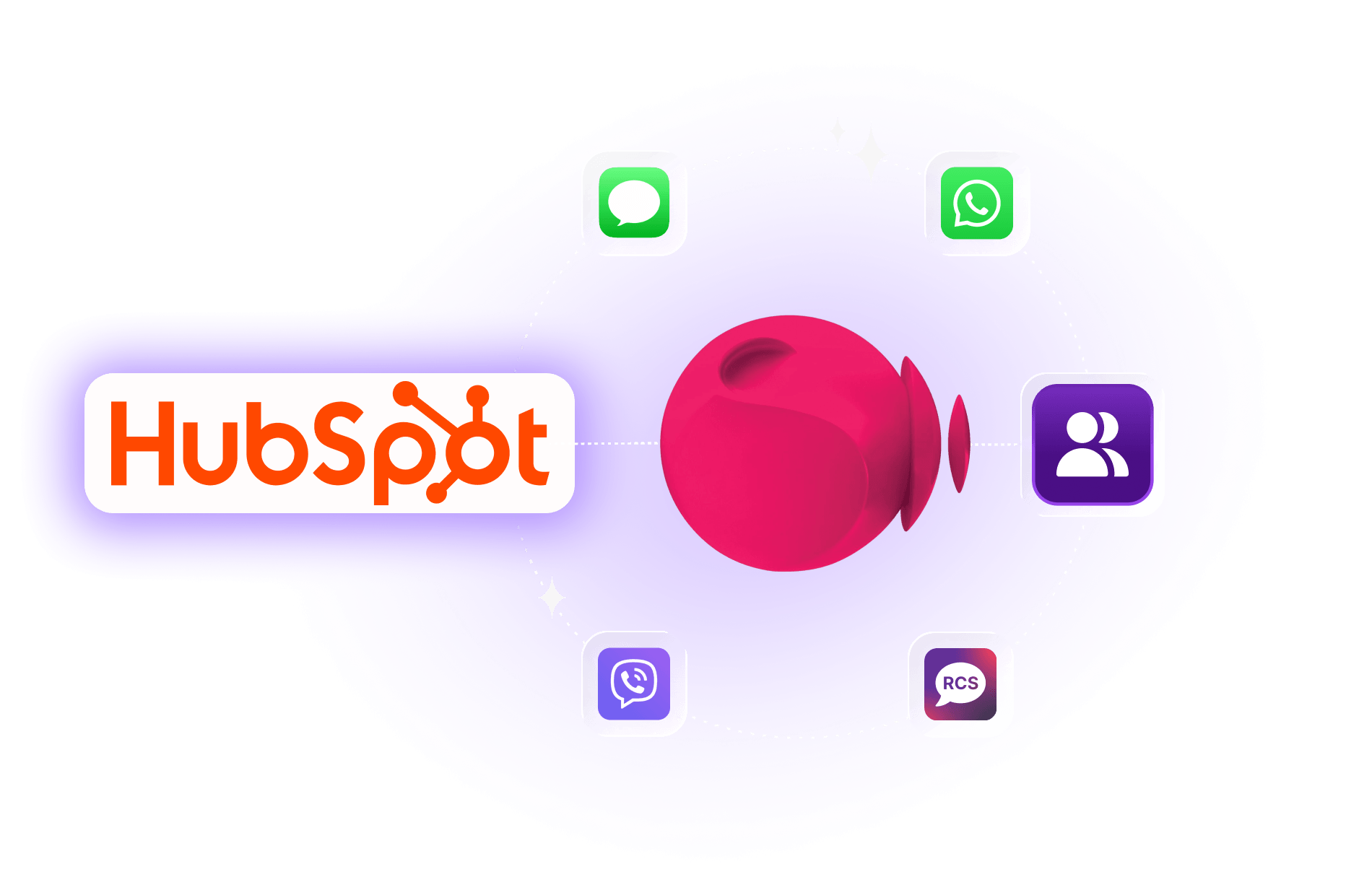
Soprano Connect for HubSpot brings enterprise messaging directly into the HubSpot environment your teams already use. Send and receive messages from HubSpot contacts across SMS, WhatsApp, RCS, Viber and Voice.
Keep conversation history and delivery outcomes connected to customer records, so sales, marketing and service teams can work from one view instead of switching between CRM and messaging platforms.
Use HubSpot workflows to trigger notifications, reminders and campaign messages automatically, while Soprano provides the enterprise messaging infrastructure, global connectivity and high-volume support behind each send.
Key Benefits of Soprano Connect for HubSpot:
- Work Where Teams Already Do: Send and receive messages, review conversation history and monitor delivery outcomes without leaving HubSpot.
- Reach Customers Across Five Channels: Use SMS, WhatsApp, RCS, Viber and Voice through Soprano Connect.
- Automate Customer Touchpoints: Trigger notifications, reminders and campaign messages through HubSpot workflows.
- Keep Customer History Connected: Log message activity and responses alongside contact records for better context.
- Personalise Communications at Scale: Use HubSpot contact properties and merge fields to tailor messages to recipients.
- Built for Enterprise Messaging: Support global connectivity, high-volume messaging and enterprise communication requirements.
- Extend Existing Soprano Investments: Bring existing Soprano messaging infrastructure directly into HubSpot CRM workflows.
Use Cases
How Enterprise and Government Organisations Can Use Soprano Connect for HubSpot

Lead Nurturing and Sales Follow-Up
Send personalised welcome messages, offers and follow-ups to leads and contacts directly from HubSpot, using CRM data to keep outreach timely and relevant.

Customer Service and Appointment Updates
Send reminders, service notifications and customer updates while keeping inbound responses and messaging activity connected to the relevant HubSpot contact.

Automated Campaign Messaging
Use HubSpot workflows to trigger customer messages or send bulk communications to selected contacts and campaign audiences without repetitive manual sending.
Why Soprano for Messaging Within HubSpot
Enterprise-Grade Messaging Infrastructure
Enterprise messaging infrastructure for reliable customer communications.
Multi-Channel Messaging
Use SMS, WhatsApp, RCS, Viber and Voice through one provider.

Global Carrier Connectivity
Reach customers across markets through Soprano’s global carrier connectivity.
Built for HubSpot Workflows
Connect messaging to HubSpot contacts, campaigns and workflows.
How It Works
How Soprano Connect for HubSpot Works
Prepare Soprano Connect
Configure the required Soprano account, API credentials, licences and messaging channels.
Install the HubSpot App
Install the Soprano Connect application in your HubSpot environment.
Connect & Configure
Enter your Soprano API credentials and configure the required app cards in HubSpot.
Start Messaging
Send messages from HubSpot contacts or automate communications through HubSpot workflows.
FAQs
What Is Soprano Connect for HubSpot?
Soprano Connect for HubSpot brings Soprano messaging directly into HubSpot CRM. Teams can send and receive customer communications, monitor delivery activity and keep messaging history connected to contact records without switching between separate CRM and messaging platforms.
Which Messaging Channels Does Soprano Connect for HubSpot Support?
Soprano Connect for HubSpot supports SMS, WhatsApp, RCS, Viber and Voice through the same integration, backed by Soprano’s enterprise messaging infrastructure and connectivity.
Can I Send and Receive Messages Directly from HubSpot?
Yes. HubSpot users can send messages from contact records and receive customer responses back into HubSpot. Message activity and delivery receipts can also remain connected to the relevant contact record.
Can I Automate Messages Using HubSpot Workflows?
Yes. HubSpot workflows can trigger customer communications based on CRM events and defined criteria, supporting reminders, notifications, follow-ups and campaign messages without repetitive manual sending.
How Do I Set Up Soprano Connect for HubSpot?
Prepare your Soprano account and API credentials, install the HubSpot application and configure the required Soprano app cards. Once connected, teams can send messages from HubSpot and configure automated workflows.
Bring Enterprise Messaging into HubSpot
Connect customer communications with the HubSpot workflows your teams already use through Soprano Connect for HubSpot.
Talk to Soprano